
Get started with NinjaTrader
NinjaTrader is the charting & execution platform we use to run the StratTrader Pro strategy. Follow the steps below to get set up — then head to checkout.
-
1 · Create a NinjaTrader account
Sign up at ninjatrader.com. The platform is free to download for charting and simulation.
-
2 · Install the desktop platform
Download and install NinjaTrader Desktop (Windows). Open an account for simulation first to practice risk-free.
-
3 · Connect a data feed
For real-time data, connect a feed such as Kinetick, or your broker’s data. End-of-day data is available free for practice.
-
4 · Open a brokerage account (to go live)
When you’re ready for live trading, fund a futures or forex brokerage account supported by NinjaTrader.
-
5 · Get StratTrader Pro
Purchase StratTrader Pro below and we’ll send setup instructions for installing the strategy.
Ready to automate?
One-time access — $500. No monthly platform fees.
Need a hand? Contact us and we’ll walk you through it.

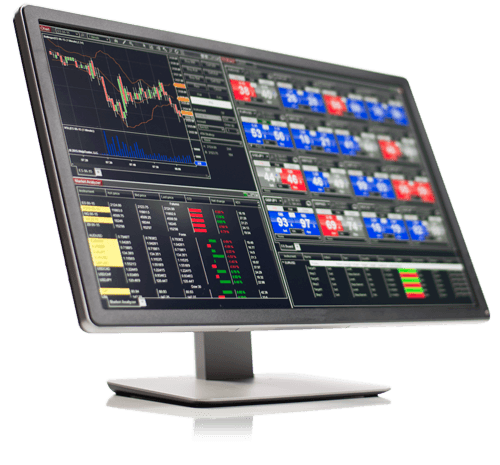 NinjaTrader Desktop Platform
Trade futures & forex on NinjaTrader
NinjaTrader is the industry-leading platform powering StratTrader Pro. Free to download for charting & simulation — upgrade when you’re ready to trade live.
- ✓ Advanced charting & technical analysis
- ✓ Free real-time simulation trading
- ✓ Discretionary & automated strategy support
- ✓ Compatible with Kinetick market data